はじめに
以下の質問に回答します。

完成イメージ
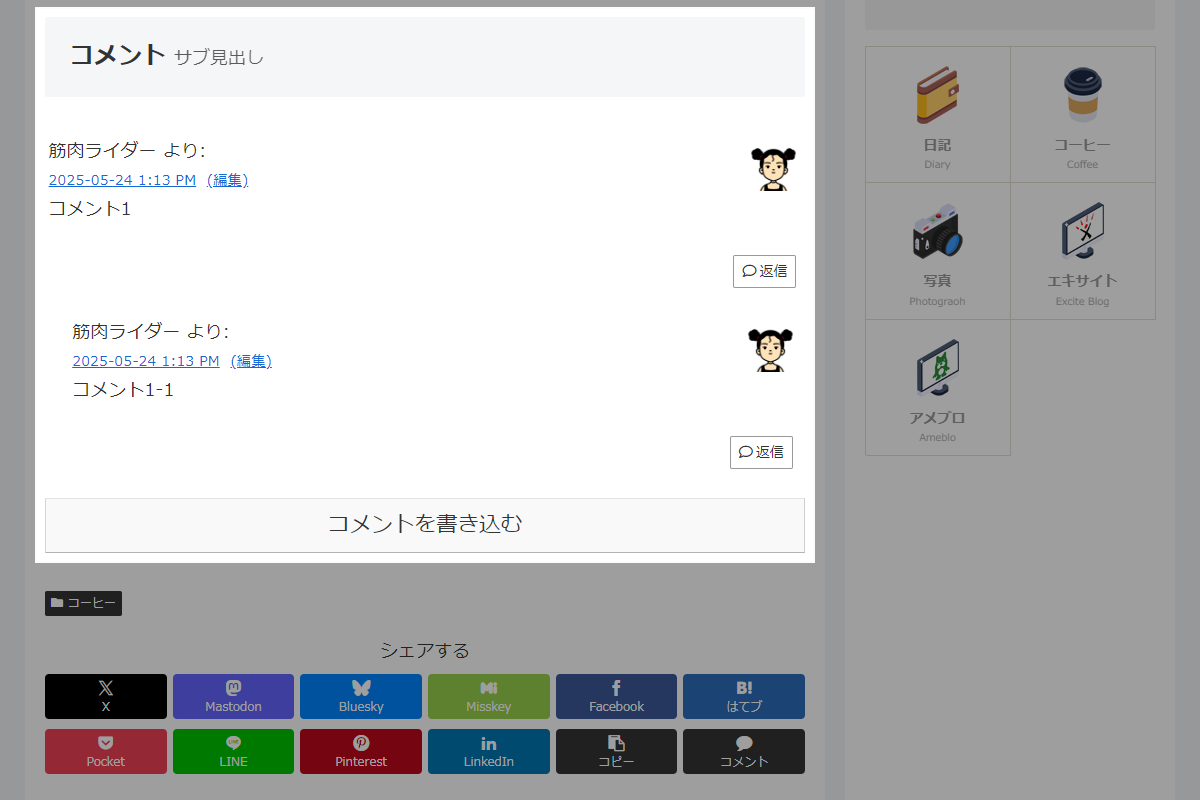
実装方法
以下のコードをfunctions.phpに追加します。
add_action('cocoon_part_after__tmp/pager-page-links', function () {
  $post = get_post();
  if (is_single_comment_visible() && !post_password_required($post)) {
    comments_template();
  }

  add_filter('theme_mod_single_comment_visible', '__return_false');
});
さいごに
今回紹介した方法を使えば、コメント欄を記事本文の直下に表示でき、より読みやすい投稿構成が実現できます。
読者の離脱を防ぎ、コメントの促進にもつながります。
見た目やユーザー導線を改善したい方におすすめのカスタマイズです。