
目次
参考:SVGを使って円を描き、スクロール量を表示する方法
SVGを使用して円を描き、スクロール量を表示します。
Cocoon標準のトップへ戻るボタンではなく、独自のボタンを使用します。
完成イメージ
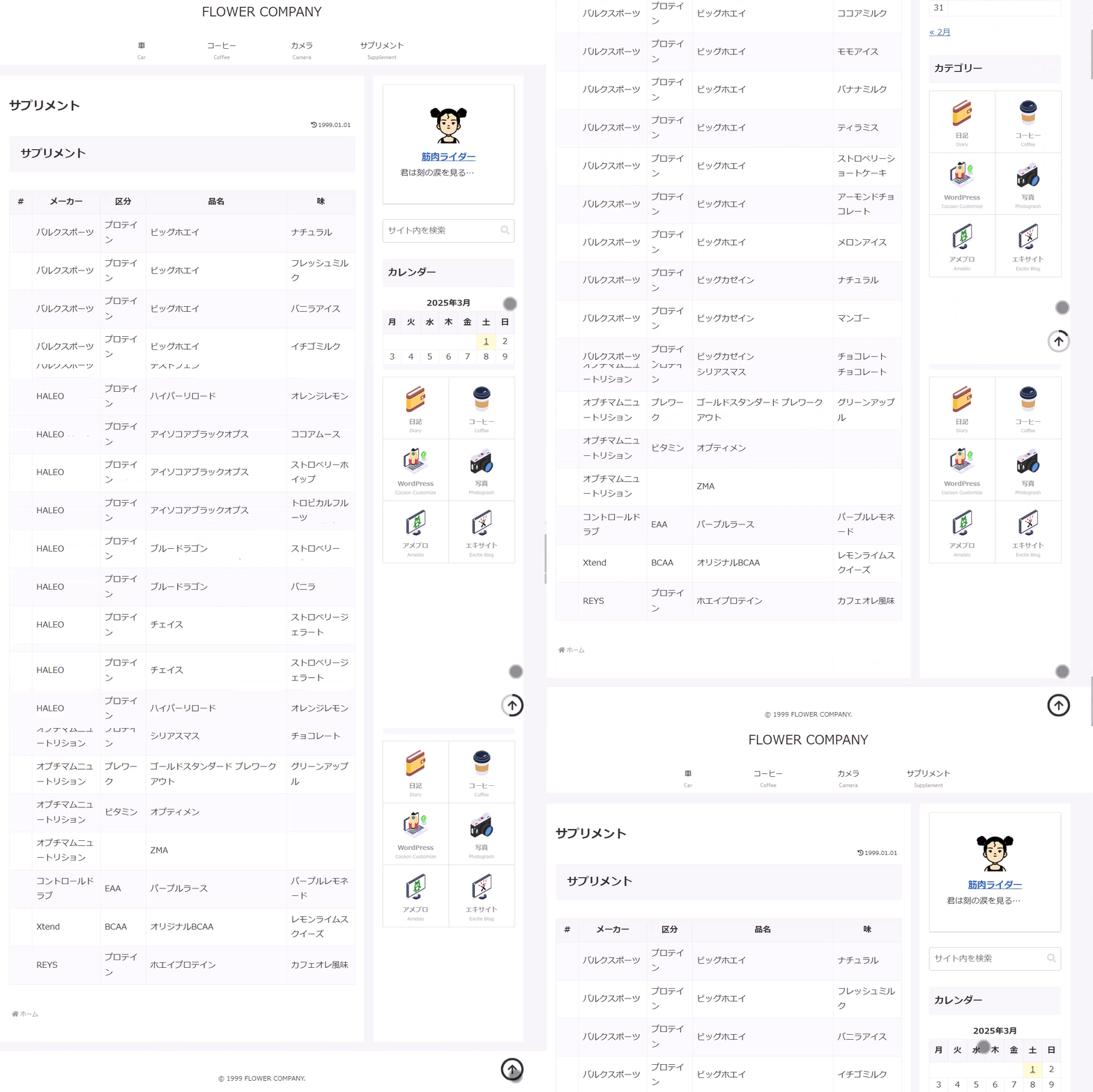
実装手順
以下の手順で実装します。
- ラベルCocoon設定
表1に示す項目を設定します。
Cocoon設定 設定 大項目 項目 設定値 ボタン トップへ戻るボタン設定 トップへ戻るボタンを表示する オフ - ラベルHTMLを追加
以下のコードをtmp-user/main-before.phpに追加します。
<div class="go-top"> <svg class="go-top__circle" width="50px" height="50px" viewBox="-5 -5 100 100"> <path d="M 45,0 A 45 45 0 1 1 44,0 z"/> </svg> </div> - ラベルJavaScriptを追加
以下のコードをjavascript.cssに追加します。
jQuery(function ($) { const offset = 50; const duration = 550; // SVGプログレスバーを初期化 const progressPath = document.querySelector('.go-top__circle path'); const pathLength = progressPath.getTotalLength(); progressPath.style.strokeDasharray = pathLength + ' ' + pathLength; progressPath.style.strokeDashoffset = pathLength; progressPath.style.transition = 'stroke-dashoffset 10ms linear'; /** * 現在のスクロール位置を算出しSVGの進捗描画を更新 * * @return {void} */ function updateProgress() { const scroll = $(window).scrollTop(); const height = $(document).height() - $(window).height(); if (height <= 0) { return; } const progress = pathLength - (scroll * pathLength / height); progressPath.style.strokeDashoffset = progress; } $(window).on('load scroll', function () { updateProgress(); // 指定されたオフセット量を超えた場合は表示用クラスを追加 if ($(this).scrollTop() > offset) { $('.go-top').addClass('active'); } else { $('.go-top').removeClass('active'); } }); // 「トップへ戻る」ボタンクリックの場合 $('.go-top').on('click', function (event) { event.preventDefault(); $('html, body').animate({scrollTop: 0}, duration); return false; }); }); - ラベルCSSを追加
以下のコードをstyle.cssに追加します。
/* ページトップへ戻るボタン */
.go-top {
  border-radius: 50%;
  bottom: 25px;
  box-shadow: inset 0 0 0 5px #ccc;
  cursor: pointer;
  display: block;
  height: 50px;
  opacity: 0;
  position: fixed;
  right: 50px;
  transform: translateY(15px);
  transition: all 200ms linear;
  visibility: hidden;
  width: 50px;
  z-index: 9999;

  /* 表示状態 */
  &.active {
    opacity: 1;
    transform: translateY(0);
    visibility: visible;
  }

  /* 矢印アイコン */
  &::before {
    color: #333;
    content: '\f062';
    display: block;
    font-family: 'Font Awesome 5 Free';
    font-size: 24px;
    font-weight: 900;
    left: 0;
    line-height: 50px;
    position: absolute;
    text-align: center;
    top: 0;
    width: 50px;
    z-index: 2;
  }

  /* マウスオーバー時アニメーション */
  &:hover::before {
    animation: hvr-icon-up 0.75s ease-out;
  }

  /* SVGプログレス円 */
  .go-top__circle path {
    box-sizing: border-box;
    fill: none;
    stroke: #333;
    stroke-width: 10px;
  }
}

@keyframes hvr-icon-up {
  0%,
  50%,
  100% {
    transform: translateY(0);
  }
  25%,
  75% {
    transform: translateY(-8px);
  }
}